Click to download now, finish the installation quickly, and directly unlock the all-round experience
Screenshots
Click to download now, finish the installation quickly, and directly unlock the all-round experience
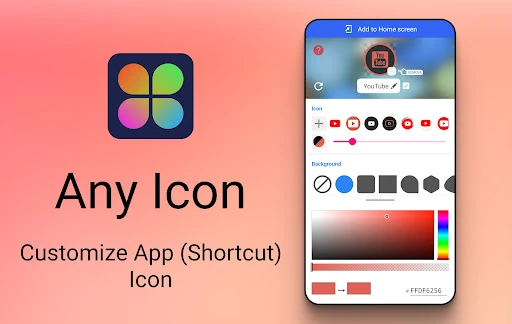
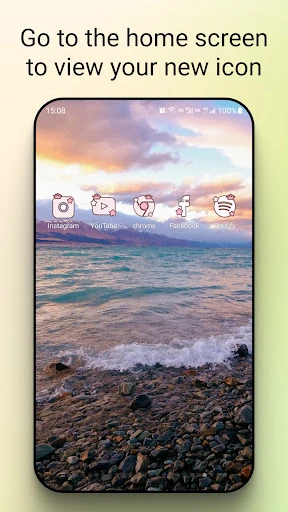
Icon Changer is a Personalization utility for Android users who want to change the look of selected app shortcuts rather than redesigning the entire home screen. It creates replacement shortcuts with custom images, making it suitable for themed layouts, colour-matched screens, or a cleaner arrangement of frequently used apps.
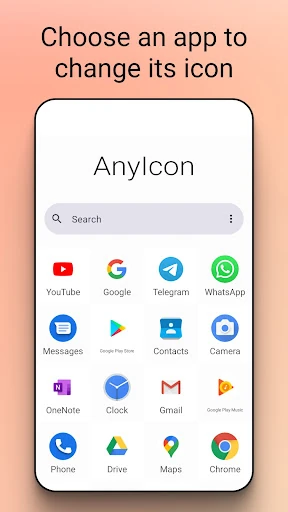
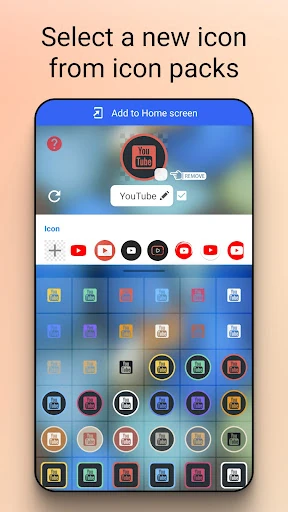
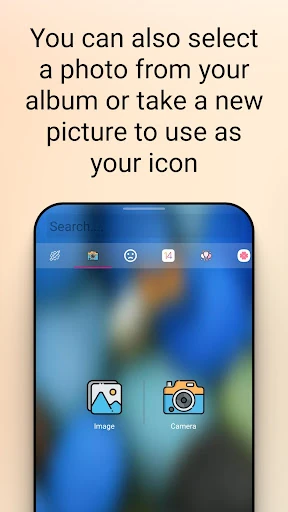
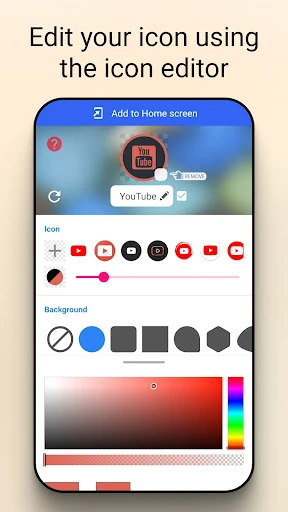
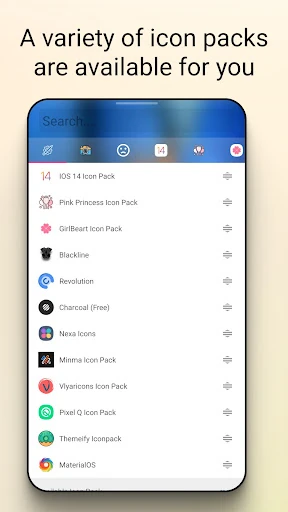
The app guides you through choosing an app, selecting an icon, and placing the new shortcut on the home screen. Images can come from the phone gallery, a newly taken photo, or compatible third-party icon packs. You can also alter the shortcut label, including leaving it blank when you want fewer words beneath the icons.
Because the process uses Android shortcuts, it is intended as a lighter alternative to changing launchers or applying broader system-wide themes. Android versions and device interfaces may still affect how replacement shortcuts appear. Icon Changer also provides a widget-based option for dealing with shortcut badges that some phones add automatically.
Icon Changer is published by Any Studio and has recorded 10,000,000+ installs. Its store rating is 4.02 from 71,364 ratings, indicating broad use while leaving room for differences across devices and Android skins. The app’s focus is narrow and practical: it changes the appearance and labels of home-screen shortcuts, rather than managing apps or providing a complete launcher replacement.